Bug Fixes
Civil 3D Exchange
CS-615 — Profile Views not applying selected Profile and Profile Label Styles
If a user creates a corridor before creating profile views with the software, then the profile views created apply the Standard profile and profile label styles, instead of those selected by the user. The selected Profile Styles and Profile Label Styles are now correctly applied during profile view creation in the drawing.
CS-357 — Corridor output to Civil 3D not applying selected Code Set
When outputting a CSD model to a Civil 3D Corridor, the Code Set selected in the CSD export form was not being applied to the assemblies created in Civil 3D. The exported corridor was using the default Code Set instead. The selected Code Set is now correctly applied during corridor output.
CS-447 — Corridor output to Civil 3D form title incorrect
When outputting a CSD model to a Civil 3D Corridor, the form displayed while the corridor creates was incorrectly reporting ‘Corridor EZ’. The form title has been changed to ‘Corridor Export’
Model Viewer
CS-407 — Standalone Model Viewer not reading Civil 3D 2025–2026 files
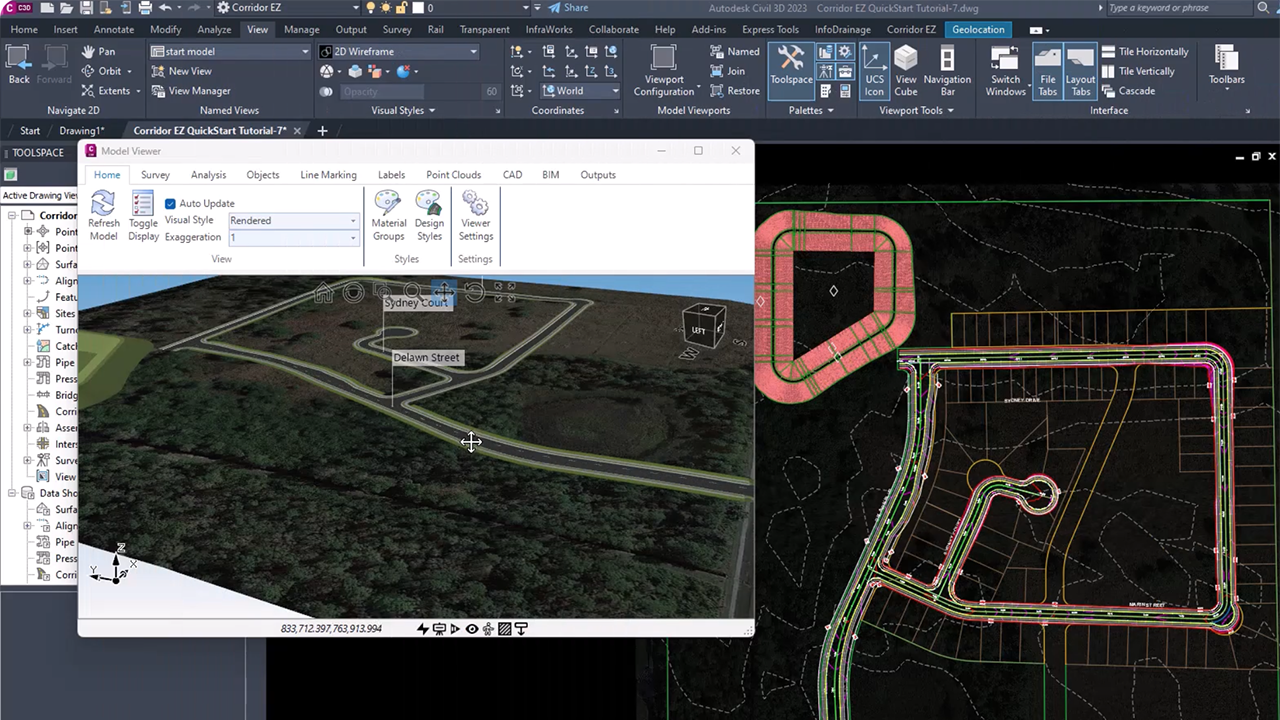
MVS files generated from AutoCAD 2025, AutoCAD 2026, Civil 3D 2025, or Civil 3D 2026 were not displaying in the standalone Model Viewer. A new format (.mvr) has been created and supports viewing and markup with the Model Review application.
Subgrade Model Manager
CS-594 — Grading strings ignored on recalculation
When a Subgrade Model was built using a combination of Road, Profile and Grading Strings, recalculating the model was removing the Grading String edits (omitted breaklines, splits, etc.) and rebuilding without them. Refreshing the model would add the strings back, but without the previous edits — forcing users to redo work repeatedly. Grading string edits are now preserved correctly on recalculation. Note: this was replicated on AutoCAD and BricsCAD; Civil 3D was unaffected.
CS-576 — “Include Bottom Layer Only” not working correctly with Surface Resolve
When “Include Bottom Layer Only” was enabled, Surface Resolve would only work if the Layer Index value happened to match the exact number of layers in the section. Surface Resolve now works correctly regardless of the Layer Index value when “Include Bottom Layer Only” is active, automatically finding and using the last layer in the code pair.
CS-211 — Surface Resolve direction incorrect on Kerb Returns
The Subgrade Model for kerb returns was consistently resolving toward the centreline instead of away from it. Surface Resolve direction on kerb returns is now calculated correctly.
IFC 4.3
CS-322 — Knuckle strings not included in Subgrade Model / IFC Export
Knuckle strings were being excluded from both the Subgrade Model and the resulting IFC export. Knuckle strings are now correctly included in both.
CS-543 — IFC Export – Road Parts Styles excluding some codes
The Road Parts Styles form truncated codes that include a – character. This issue has been resolved and the Road Parts Styles list now correctly saves and stores codes that include a ‘-‘ (such as BDY-1).
CS-501 — Grading Strings reporting incorrect name
When Grading Strings were included in a Built Model, the GUID (not the user set name) of the Grading String was reported in the IFC 4.3 output.
Surface & Volumes
CS-476 — Section Volumes missing cut areas on some sections
Certain sections were showing zero cut and missing the red polygon indicator for cut areas in the Section Volumes view, even though Section Selection had those sections ticked. The Volume Report was showing the correct values, but the section view was not. Section volume display now correctly reflects cut areas across all sections.
CS-361 — DEM export producing a mirrored surface
Exporting a surface to DEM format was resulting in the surface being mirrored. DEM exports now correctly match the source surface orientation.
CS-513 — Surface Water Drop not interpolating correctly
The CSD Water Drop tool was not correctly interpolating between triangles on CSD Built Model surfaces, whereas the equivalent Civil 3D surface produced correct results for the same data. Surface Water Drop now interpolates between triangles correctly.
CS-105 — Slope arrow CAD output requires “All Surfaces” selection
When outputting slope arrows via CAD Output, the “Currently Displayed” option could not be combined with Slope Arrows — only “All Surfaces” worked. You can now output Slope Arrows using the Currently Displayed selection, giving you more control over what is included in the output.
CS-345 — Surface Section Volumes shows the String Cross sections when TotalModel Surface selected
Toggling to display the TotalModel surface instead was showing only the surface of the current String. Now, the TotalModel surface will display.
Model Builder
CS-496 — String name not displaying in Model Builder on .NET 8
The name of the string being edited was not shown in the Model Builder interface when running on .NET 8 platforms (Civil 3D 2025/2026, BricsCAD V26, CSD Plus V26). The string name displayed correctly on .NET 4.8 only. String names now display correctly across all platforms.
CS-625 — Asymmetric Cul-de-Sac incorrectly trimming left-side road string
When using the Asymmetric Cul-de-sac type in Model Builder (linked to Automodel), the left-side road string was being incorrectly trimmed from the road start chainage all the way to the cul-de-sac start tangent point. The cul-de-sac trimming now behaves as expected.
CS-360 — TotalModel ignoring linework on certain road strings after rebuild
On some projects, running a Toolspace Refresh (Rebuild All Models) was causing the linework for the majority of codes on certain road strings to be removed from the display and excluded from the mesh. This was affecting Model Builder models referencing TotalModel. The rebuild process now correctly retains linework for all road strings.
CS-356 — TotalModel rebuilding incorrectly when Model Builder edits are applied
When a Model Builder model was linked to TotalModel and contained an intersection and a cul-de-sac, trimming the main road to the tangent points and then rebuilding could cause TotalModel to regenerate with missing strings and triangles. Only running AutoModel restored the objects correctly. Toolspace Refresh and Rebuild Model now rebuild TotalModel correctly without missing elements.
Vertical Grading Editor (VGE) & Alignments
CS-443 & CS-336 — Civil 3D sampled surface not showing grade breaks in VGE
When using a Civil 3D surface as the sampled surface in the VGE, grade breaks (such as kerb profiles) were not visible. The same surface passed through as a CSD surface displayed correctly. Civil 3D surfaces now display grade breaks correctly in the VGE.
CS-514 — Resample Sections: User Sampling values below 100mm ignored
Spacing values below 0.1m (100mm) entered in the Resample Sections form were silently ignored — the same values entered via the Insert Extra Sections form worked correctly. Additionally, removing ignored values from the form did not remove the previously applied sections. User Sampling in the Resample Sections form now correctly applies spacing values below 100mm.
CS-600 — Resample Sections: Auto Ease button causing unhandled exception
Running the Auto Ease command from within the Resample Sections form was producing an unhandled exception error (InvalidOperationException). Auto Ease now runs correctly from the Resample Sections form.
ScriptX
CS-5 — OffsetFromProjection and LevelFromProjection returning incorrect intersect
When multiple surface intersects were available, the OffsetFromProjection and LevelFromProjection ScriptX functions were returning the furthest intersect rather than the nearest. This produced incorrect projection results for most use cases. The functions now default to the nearest (first) intersect, which is the expected behaviour for the majority of workflows.
CS-293 — Alignment start/end chainage properties returning zero in ScriptX
Scripts using ALIGNMENT.STARTCHAINAGE and ALIGNMENT.ENDCHAINAGE properties were returning zero instead of the actual chainage values. Scripts relying on these properties for trimming and chainage-based logic were producing incorrect results. Alignment chainage properties now return correct values.
4K Display & Forms
CS-517 — 4K form text and button issues reoccurring in V26
Several forms that had previously been fixed for 4K display (including Profile from Code and Pipes Active Settings) were again showing clipped or incorrectly scaled text and inaccessible buttons on 4K screens. These forms have been corrected for 4K display.
CS-365 — Forms not working correctly at 4K resolution
On 4K screens, the Section Volume form (ARDUV7AJEBSECTIONALVOLUMES) was not scaling correctly with buttons obscured or hidden on .NET 4.8 versions. On Civil 3D 2025/2026, the Pipes → Active Settings → Defaults and House Connections tabs had buttons hidden off-screen. The Subgrade Model Manager form was also affected. All forms now display and function correctly at 4K resolution.
Project Storage & Pack Mode
CS-264 — Project Storage not recognising packed data
Project Storage was failing to recognise data that had been packed, causing issues for customers managing packed project data sets. A range of Project Storage reliability improvements have been made to address this.
Crashes & Stability
CS-347 — Opening a new drawing crashes Civil 3D after using CSD
After using Corridor EZ and closing a drawing, opening a new drawing was causing Civil 3D to crash. This only occurred when the latest Autodesk and CSA software updates were used together. The crash has been resolved.
CS-601 — Error when multiple drawings are open simultaneously
With multiple drawing instances open, an occasional error (eNotFromThisDocument) was displayed, requiring the software to be closed. This has been resolved and the software now handles multiple open drawings correctly.
Alignments & Other
CS-111 — Asymmetric Cul-de-Sac: chainage outside alignment range error when grip editing
Grip-extending the road centreline alignment on a project with an Asymmetric Cul-de-Sac triggered a “Chainage Outside Alignment Range” error in the cul-de-sac form, and created an unwanted ZZtempCDS alignment entry. The cul-de-sac then had to be deleted and recreated. This no longer occurs when grip editing the alignment.
CS-18 — Surface Manager closing automatically when rebuilding a Built Model
When Surface Manager was open and Rebuild was clicked on a Built Model, Surface Manager would close — requiring the user to reopen it to continue working. Surface Manager now stays open after a rebuild until explicitly closed by the user.
CS-297 — Improvement: Thread option added to Corridor EZ Toolspace Refresh button
The Thread option (previously only available on the CSD Toolspace Refresh button) is now also available on the Corridor EZ Toolspace Refresh button, making it consistent with the main CSD Toolspace behaviour.
CS-178 — Improvement: Surface Analysis Range Table — no longer limited to 16 or 32 entries
The Create Range Table function in Surface Manager Analysis tabs was limited to a maximum of 16 entries via “Number of Ranges” and 32 entries via “By Increment”. You can now create as many range entries as needed using either method.
CS-346 — Deleting Grading Strings and Updating the Toolspace
Using the Delete Grading Command and deleting gradings did not remove them from the Toolspace. On close of the Delete Grading form these are now removed.
CS-38 — Creating a String and leaving the Sections List field Blank
When creating a String and toggling on Section List to use for the sampling of the string, if the Section List field is left blank (no list selected) an unhandled exception error message would display. This is now correctly managed by the software with better messaging about the input requirements