
You are all set!
Be on the lookout for our next issue of What’s New! in your inbox. Meanwhile here are a few articles you may find interesting.
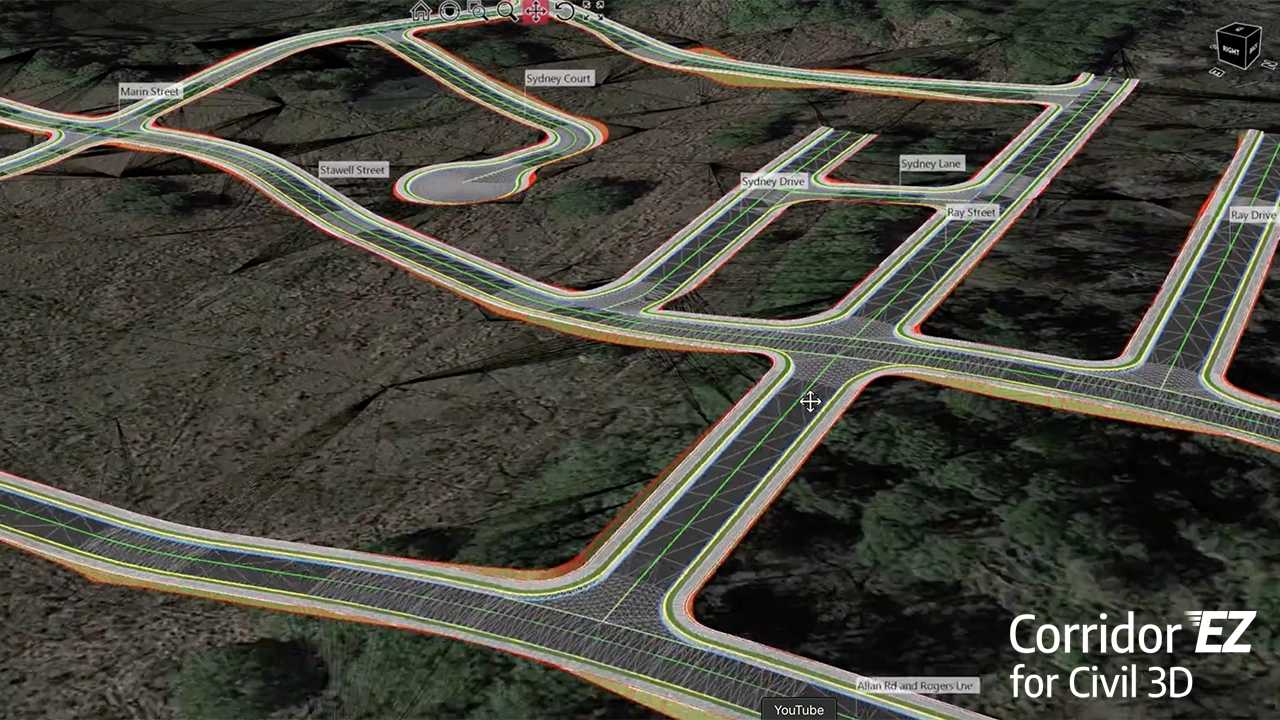
How To Use Civil 3D With Corridor EZ For Subdivision Road Design
Use Autodesk Civil 3D with Corridor EZ to design subdivision roads faster—automated corridors and targets save time on land development projects.
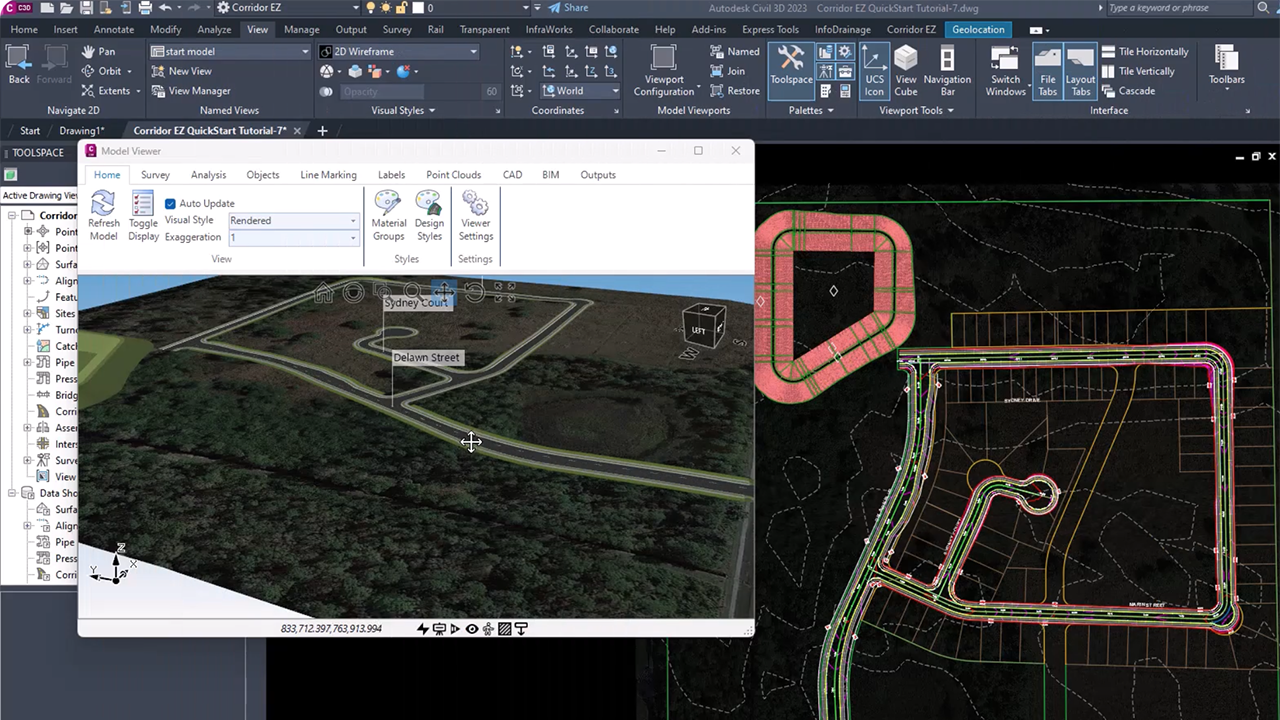
Why Civil 3D is Essential for Modern Land Development Projects
Civil 3D streamlines every stage of land development—from subdivision layouts to grading and utilities—helping engineers design smarter, reduce errors, and deliver faster, higher-quality results.
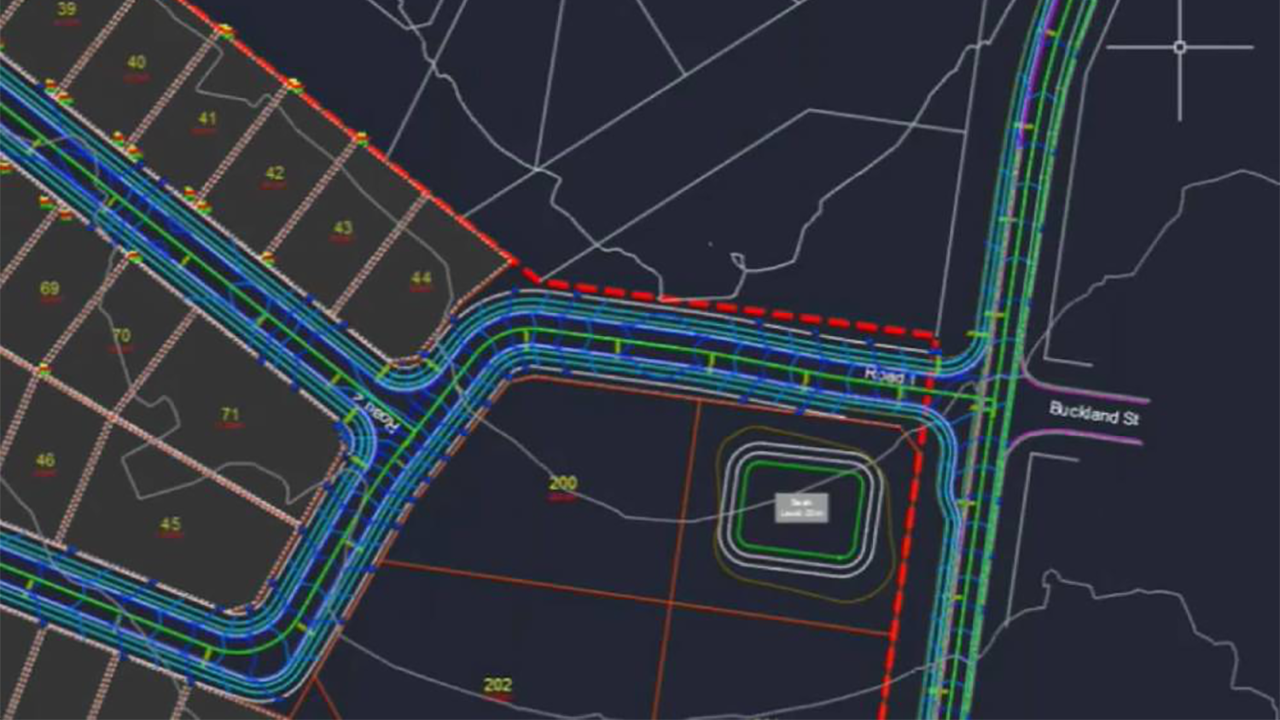
Best Road Design Software: Top Tools for Engineers in 2025
For engineering firms, the winning approach is often a combination—leveraging the strengths of multiple tools to deliver better designs, faster.
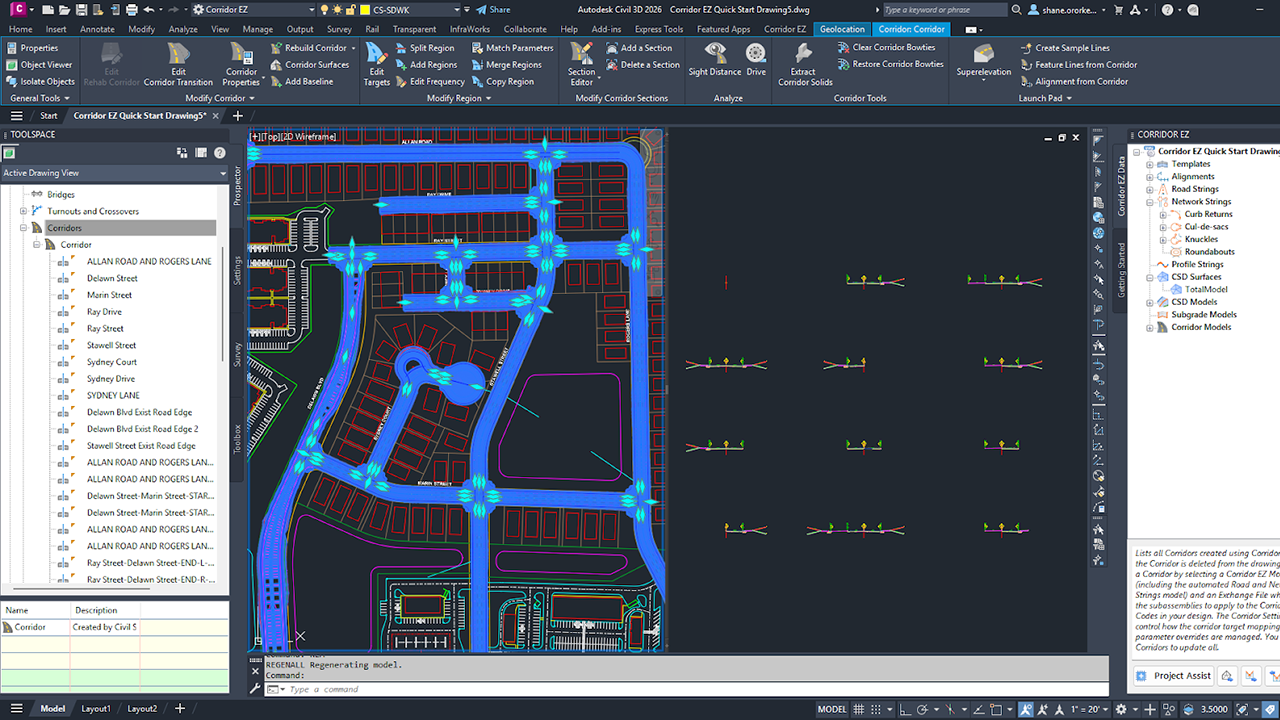
Build Smarter, Faster Civil 3D Corridors with Fewer Assemblies
With V26, Corridor EZ doesn’t just save time—it delivers corridors that feel hand-built, but without the manual grind.
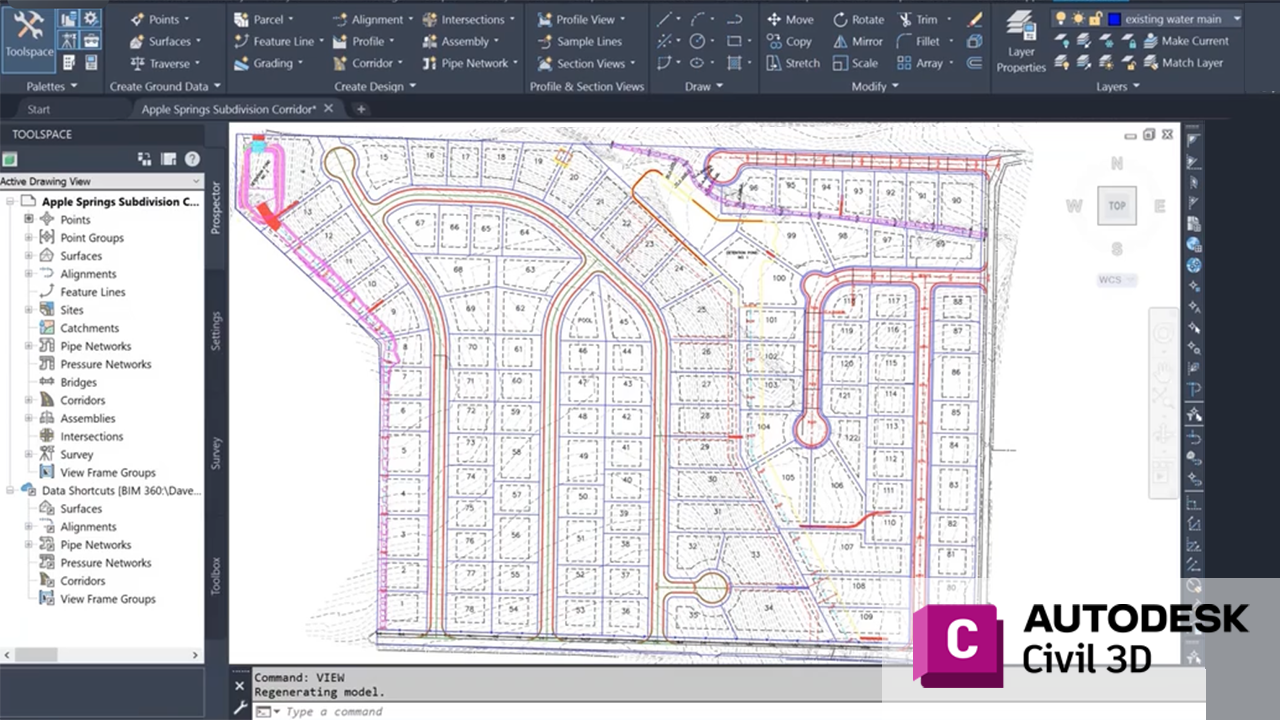
Civil 3D Corridors Explained: From Concept to Construction
Discover how Civil 3D corridors combine alignments, profiles, and assemblies to streamline roadway and site modeling.
Carlson Software vs. Corridor EZ: Which Fits Your Workflow Best?
The right choice depends on whether you’re replacing your design environment—or making the one you have dramatically more efficient.
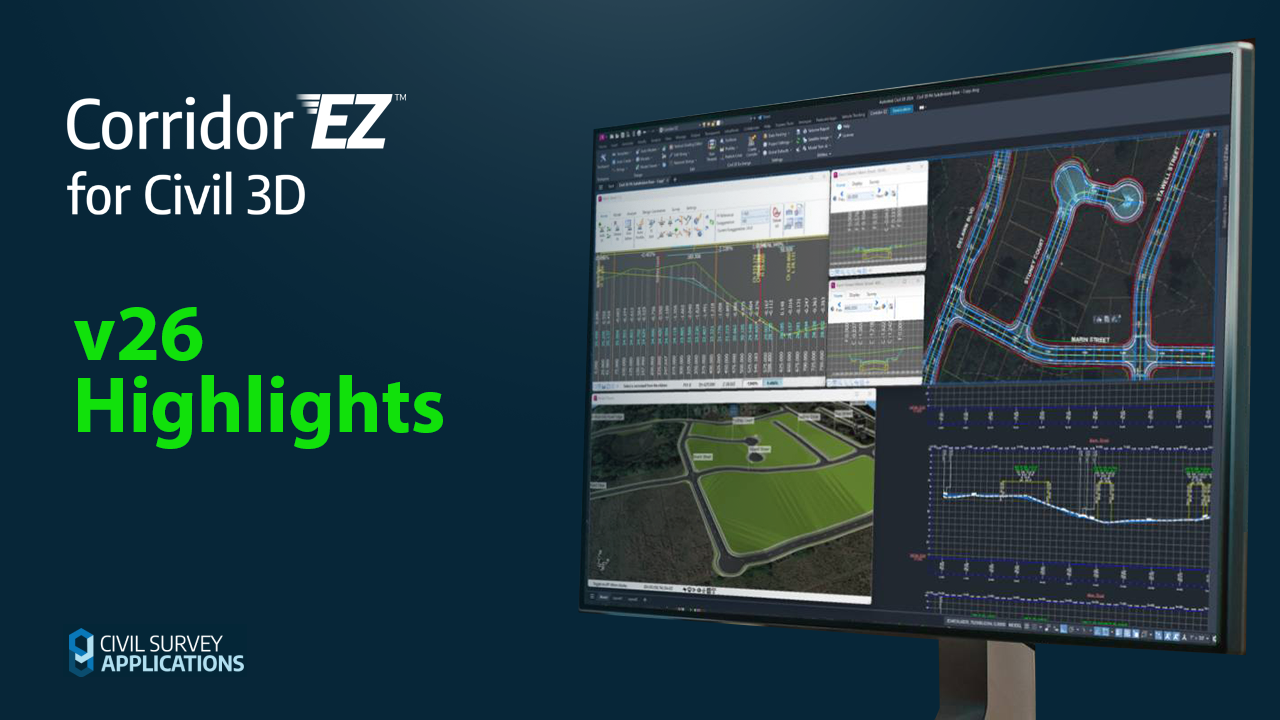
New Corridor EZ for Civil 3D V26 Highlights
Corridor EZ V26 isn’t just an update—it’s a toolkit expansion.
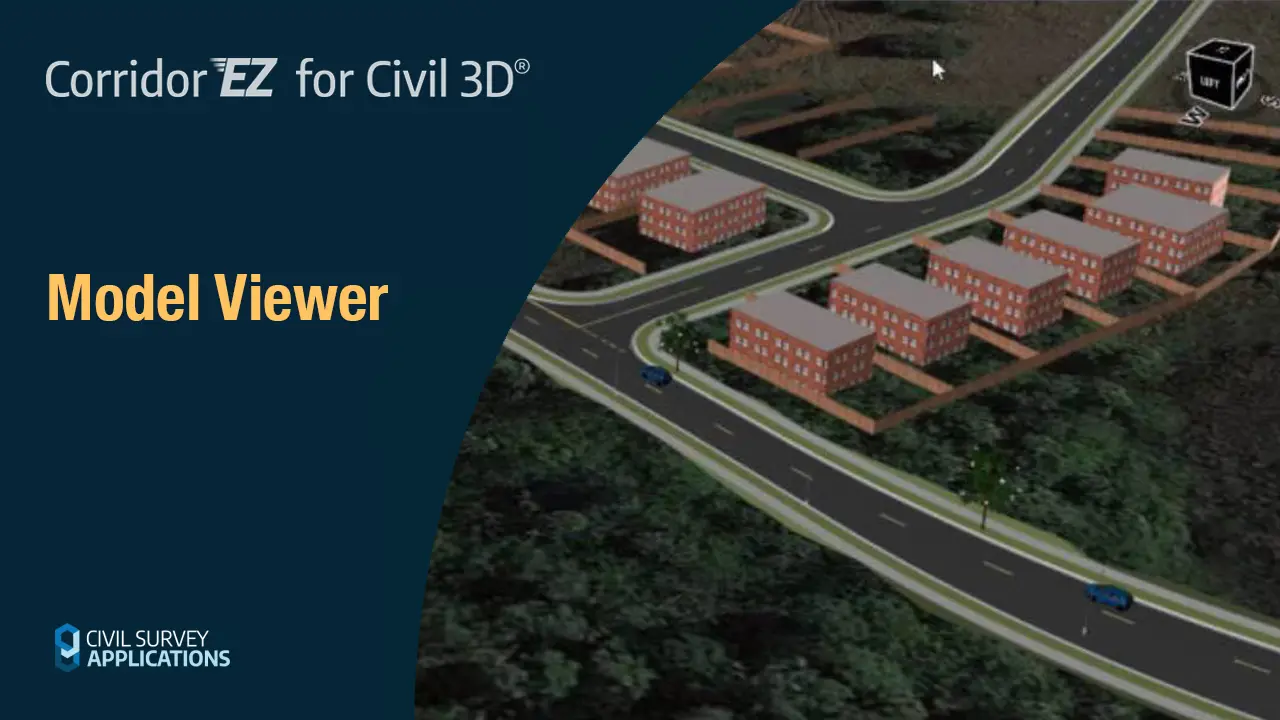
Model Viewer
Model Viewer provides real-time rendering, visualization, line-of-sight analysis, automated line marking, and CAD export for enhanced design efficiency.


